Still Managing Accounts in Excel? 7 Signs It's Time to Switch to Accounting Software
It's the end of the month. A customer wants to know which invoices are still unpaid, your accountant needs last quarter's expense summary, and you're scrolling through three…
It's the end of the month. A customer wants to know which invoices are still unpaid, your accountant needs last quarter's expense summary, and you're scrolling through three versions of the same spreadsheet trying to work out which one is current.
Excel is often the first tool a business uses to manage its accounts, and for good reason. It's flexible, familiar, and usually already on your computer.
But as a business grows, so does the paperwork. More customers mean more invoices. More suppliers mean more bills to track. More transactions mean more formulas, more tabs, and more room for error. At some point, the spreadsheet that once saved time starts costing it. This guide walks through seven clear signs that your business may be ready for accounting software, and how to decide when to make the switch.
Is Excel Still Enough for Your Business Accounting?
For a very small business with a handful of transactions each month, Excel can be enough. Once you're handling regular invoices, supplier bills, several bank accounts, or more than one person working on the numbers, its limits start to show. Spreadsheets are genuinely useful for:
- Simple income and expense logs when volumes are low
- Budgets, forecasts, and one-off calculations
- Analysing data exported from other systems
The challenge is that Excel doesn't know what an invoice, a ledger, or a payment is. Every link between entries, such as which payment settled which invoice, has to be built and maintained by hand. That works when one careful person owns the file, but it becomes fragile as volume, people, and complexity grow.
7 Signs It's Time to Switch to Accounting Software
Not every business needs to move away from spreadsheets right away. But if several of these signs sound familiar, your current system is probably holding you back.
1. You Spend Too Much Time Entering Data Manually
If you type the same customer name, item, and amount into a sales register, a receivables sheet, and a monthly summary, you're doing one job three times. Every repeat is another chance for a typo. Accounting software lets you record a transaction once. A single sales invoice updates the customer's account, the sales ledger, and your reports together. This kind of accounting automation doesn't replace your judgement; it removes the copy-and-paste work around it.
2. Tracking Invoices and Payments Is Becoming Difficult
Can you say right now which customers owe you money, and how overdue each invoice is? In a spreadsheet, the answer often depends on whether someone remembered to mark an invoice as paid. Partial payments, advances, and one payment covering several invoices make this harder. Over time, receivables turn into guesswork and follow-ups get missed. Good invoice management software links each receipt to the invoice it settles. Outstanding balances update on their own, so you know who to follow up with without rebuilding the list every week.
3. Your Expenses Are Spread Across Multiple Files
Fuel bills in one sheet, rent in another, supplier bills in an email folder, petty cash in a notebook. When expenses live in different places, a simple question like "what did we spend on logistics last quarter?" becomes a project. Scattered records also make it easy to miss a bill, pay one twice, or lose track of tax details. Expense tracking software brings costs into one place under consistent categories, so rising costs are easier to spot and records are ready when your accountant asks.
4. Financial Reports Take Too Long to Prepare
Building a Profit & Loss statement or Balance Sheet in Excel usually means pulling figures from several sheets, checking that totals agree, and fixing broken formulas. If month-end closing takes days instead of hours, reporting has become a bottleneck. There's also the question of trust. One wrong cell reference can throw off a report without anyone noticing. In business accounting software, ledgers, trial balance, P&L, and Balance Sheet are generated from the entries you post every day. Reports are ready when you need them, not after a weekend of reconciliation.
5. Multiple People Are Working on Different Spreadsheets
"Accounts_Final_v3_updated.xlsx" is a familiar file name for a reason. When the owner, the accountant, and the sales team each keep their own copy, the numbers drift apart.
Common problems include:
- The same entry recorded twice by different people
- Decisions made from an outdated version
- Accidental changes to formulas or past records
- No easy way to see who changed what, or when
Accounting software gives everyone one shared set of records. User permissions control who can create, edit, or only view information, so each person gets what they need without putting the books at risk.
6. You Don't Have a Clear View of Your Business Finances
Sales might look strong this month, but if half of it hasn't been collected, your cash position tells a different story. Good decisions depend on seeing income, expenses, receivables, and payables together, while the information still matters.
With spreadsheets, that picture often arrives weeks late, once someone has had time to compile it. By then, the chance to chase a payment or delay a purchase may have passed. Financial management software keeps these numbers current as transactions are recorded.
7. Your Business Has Outgrown Manual Accounting
Growth adds complexity in every direction: more customers, suppliers, products, employees, and often more compliance work such as GST. A workbook designed for 50 transactions a month rarely copes well with 500.
Spreadsheets also depend heavily on the person who built them. If that person is on leave or moves on, others may struggle to follow the formulas and structure. A structured system gives your finance processes a consistent framework that new team members can learn quickly.
What Should You Look for in Accounting Software?
Look for software that handles your everyday transactions, keeps proper books in the background, produces standard reports on demand, and fits the way your team already works.
Everyday transactions
Sales invoices: Create invoices with consistent numbering and the tax details your customers need. Purchase bills: Record supplier bills so you always know what you owe and when it's due. Payments and receipts: Match money coming in and going out to the right customer, vendor, or invoice. Expense tracking: Record business costs under consistent categories so spending is easy to review.
Books and records
Journal entries: Handle adjustments, corrections, and entries that don't fit a standard invoice or bill. General ledger: Keep a complete, account-by-account record of every transaction. Daybook: See all entries date by date, which makes daily review and early error-spotting much easier.
Reports
Profit & Loss: See income, expenses, and profit for any period you choose. Balance Sheet: Get a snapshot of assets, liabilities, and equity at a point in time.
Control and connections
User access and permissions: Give your accountant, sales team, and managers access to only what they need. Integration with other business processes: Accounting works best when it connects with quotations, purchasing, inventory, and customer records, so information flows through without being retyped. When comparing accounting software for small business, also check whether it supports local tax requirements such as GST, whether it lets you start mid-year with opening balances, and whether it's simple enough for your team to use every day. Cloud accounting software adds another advantage: everyone works from the same up-to-date records, wherever they are.
How Fidus360 Can Simplify Everyday Accounting
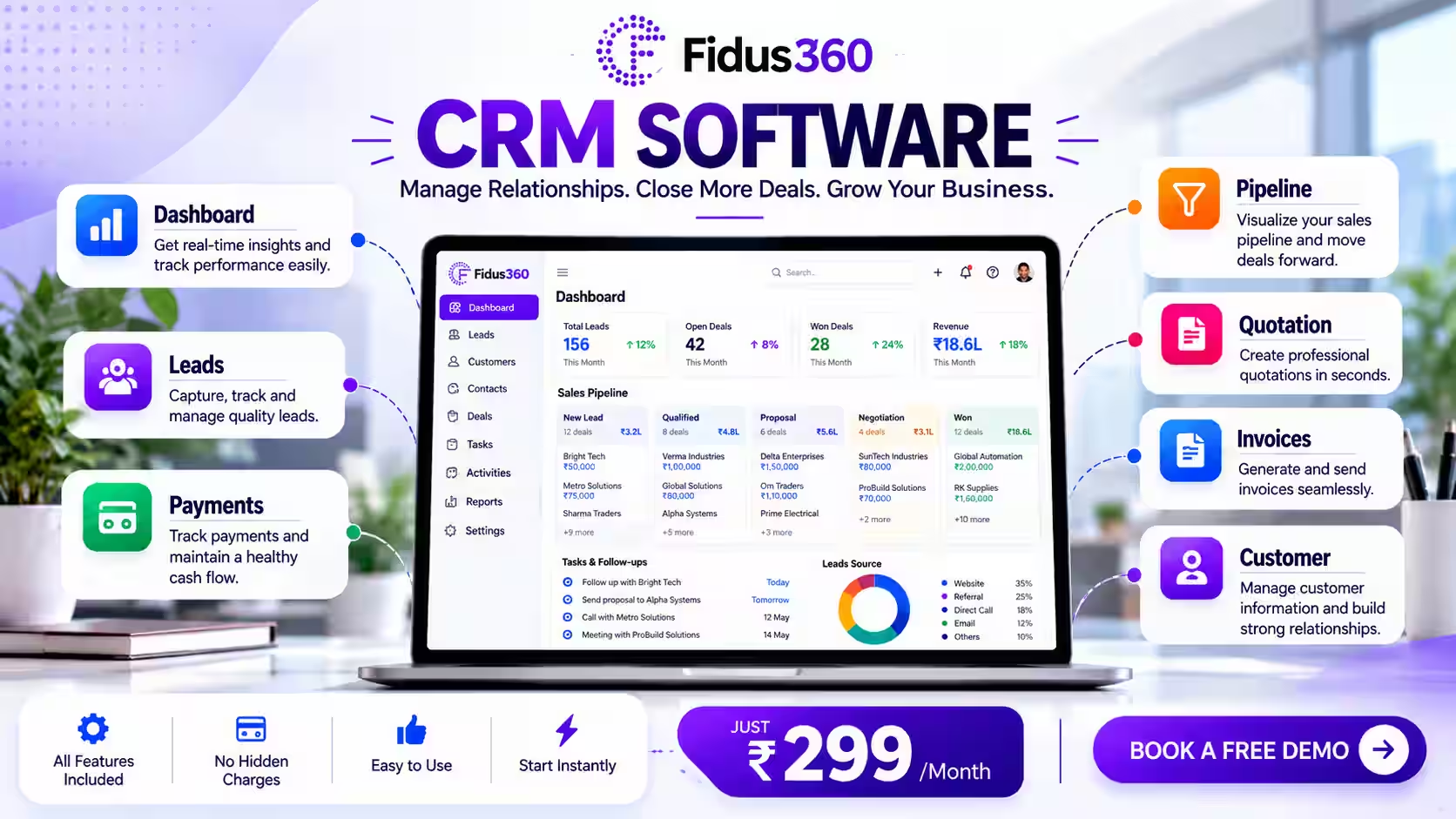
Fidus360 is a connected business workspace where companies add the apps they need, such as Accounting, Quotations, Purchase, Inventory, and CRM. Because these apps share one workspace, your accounts don't sit in a separate file, cut off from the rest of the business. The Fidus360 Accounting app covers the core of everyday bookkeeping:
- Sales and purchase vouchers, including invoices, bills, and credit and debit notes
- Receipts and payments tracked against customers and vendors
- General, cash, bank, and party ledgers, along with day books
- GST summaries and tax ledgers prepared as vouchers are posted
- Customer and vendor outstanding reports
- Trial balance, Profit & Loss, and Balance Sheet without exporting to a spreadsheet
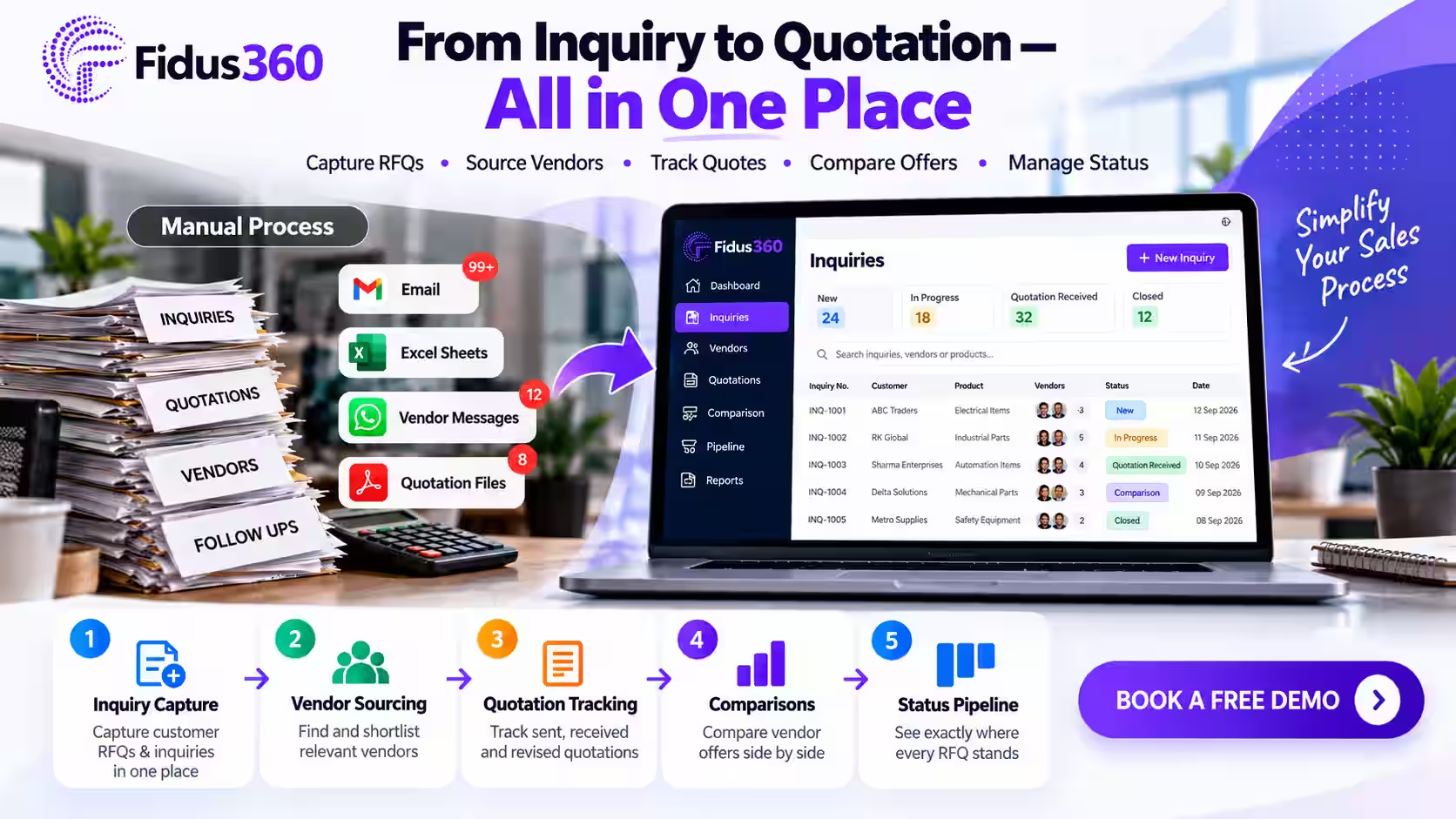
The bigger difference comes from what accounting connects to. With Quotations, accepted quotes can be converted into orders or invoices without retyping. The Purchase app manages vendors, purchase orders, approvals, and goods receipts, and received goods post straight into Inventory. Inventory and Accounting share items and stock movements, so stock and books stay consistent, while sales teams can manage customer relationships in CRM within the same workspace.
A few practical details make the move easier. You can invite your accountant as a user with access to only the Accounting app, and you can start mid-financial-year by entering opening balances and opening stock. You can also begin with a single app and add others as your needs grow.
When Is the Right Time to Move from Excel?
The right time is when maintaining your spreadsheets takes more effort than the value they give back. Use this checklist to find out where you stand:
- You spend several hours each week entering or re-entering financial data
- You can't quickly tell which invoices are unpaid or overdue
- A bill has been missed, or paid twice, in the last few months
- Month-end reports take days to prepare or need repeated corrections
- More than one person updates your financial files
- Your team has worked from the wrong version of a spreadsheet
- Your accountant regularly asks you to clean up or explain records
- GST or tax filing preparation feels rushed every time
- You're adding customers, suppliers, products, or staff faster than your files can keep up
If you ticked one or two, tighter spreadsheet habits may be enough for now. If you ticked several, accounting software is likely to save you time and reduce errors. One practical tip: plan the switch for the start of a month, quarter, or financial year. Clean opening balances make the move much smoother.
Frequently Asked Questions
Is Excel enough for small business accounting?
Excel can be enough for a very small business with few transactions and one person managing the books. It becomes harder to rely on once you're tracking regular invoices, supplier bills, multiple bank accounts, or tax filings. At that stage, manual updates and formula errors start costing more time than the spreadsheet saves.
When should a business switch from Excel to accounting software?
Consider switching when spreadsheets start slowing you down: data is entered more than once, unpaid invoices are hard to track, reports take days to prepare, or several people are editing different files. It's usually easiest to switch at the start of a month, quarter, or financial year, when opening balances are clean.
What are the benefits of accounting software for small businesses?
Accounting software reduces repetitive data entry, keeps invoices and payments linked, and organises expenses in one place. It produces reports like Profit & Loss and Balance Sheet from everyday entries, so you don't have to build them by hand. It also lets several people work from the same records, with permissions controlling who can see or change what.
Can accounting software reduce manual accounting work?
Yes. With automated accounting software, a transaction is recorded once and flows into the relevant ledgers, balances, and reports. Tax amounts, outstanding balances, and totals are calculated for you. You still need to review entries and make decisions, but much of the copying, re-totalling, and cross-checking that spreadsheets require is handled by the system.
What should I look for when choosing accounting software?
Start with the essentials: sales invoices, purchase bills, payments and receipts, expense tracking, journal entries, ledgers, and standard reports like Profit & Loss and Balance Sheet. Then check for user permissions, local tax support such as GST, and ease of use. Finally, consider whether it connects with your quotations, purchasing, and inventory so data isn't entered twice.
Related apps